

A college laptop spends years moving between dorm desks, lecture halls, libraries, and crowded backpacks. Good value comes from a machine that runs required software comfortably and survives the schedule, not simply the cheapest model on sale.
What matters most
- Confirm operating-system requirements with the academic department.
- Favor at least enough memory for browser tabs, video calls, and core coursework together.
- Check charger size, warranty service, and port needs before accessories.
Choose by your situation
| Suitable for | Who it suits | Why it works | Tradeoff |
|---|---|---|---|
| Portable everyday laptop | Writing, business, and general studies | Balances battery, keyboard comfort, and backpack weight. | Integrated graphics limit demanding creative work. |
| Upgradeable Windows model | Technical programs on a budget | More ports and serviceable parts can extend useful life. | Often thicker and less efficient than premium ultrabooks. |
| Chromebook | Browser-based coursework | Simple, secure, and often inexpensive with strong battery life. | Specialized desktop applications may not run. |
These are product-type recommendations, not paid placements or claims of hands-on testing. Confirm current specifications, compatibility, availability, and warranty terms with the manufacturer or retailer before buying.
Buying advice for everyday use
Think through where the product will live, who will use it, and what maintenance fits your routine. A feature has value only when it solves a recurring problem without adding more friction than it removes.
- Use education pricing and compare the final configuration, not the headline starting price.
- Back up coursework automatically to a separate service or drive.
What to avoid
- Very small storage if course files and offline media are expected.
- Buying before checking exam-proctoring and department software support.
Use the priorities above while checking current product details and retailer terms.
Frequently asked questions
How much should a college laptop cost?
The useful budget depends on required software. Spend to meet those requirements reliably, then prioritize durability and battery.
Is a tablet enough for college?
It may work for reading and notes, but long papers, file management, and specialized software often favor a laptop.
How this guide was prepared
Rated Picks compares product categories around real household and travel scenarios, published specifications, ownership demands, and common tradeoffs. We do not claim laboratory or hands-on testing where none occurred. Read our editorial standards.
 Charging Stations That Keep Shared Spaces Organized
 Smart Doorbells for Renters: Installation and Privacy
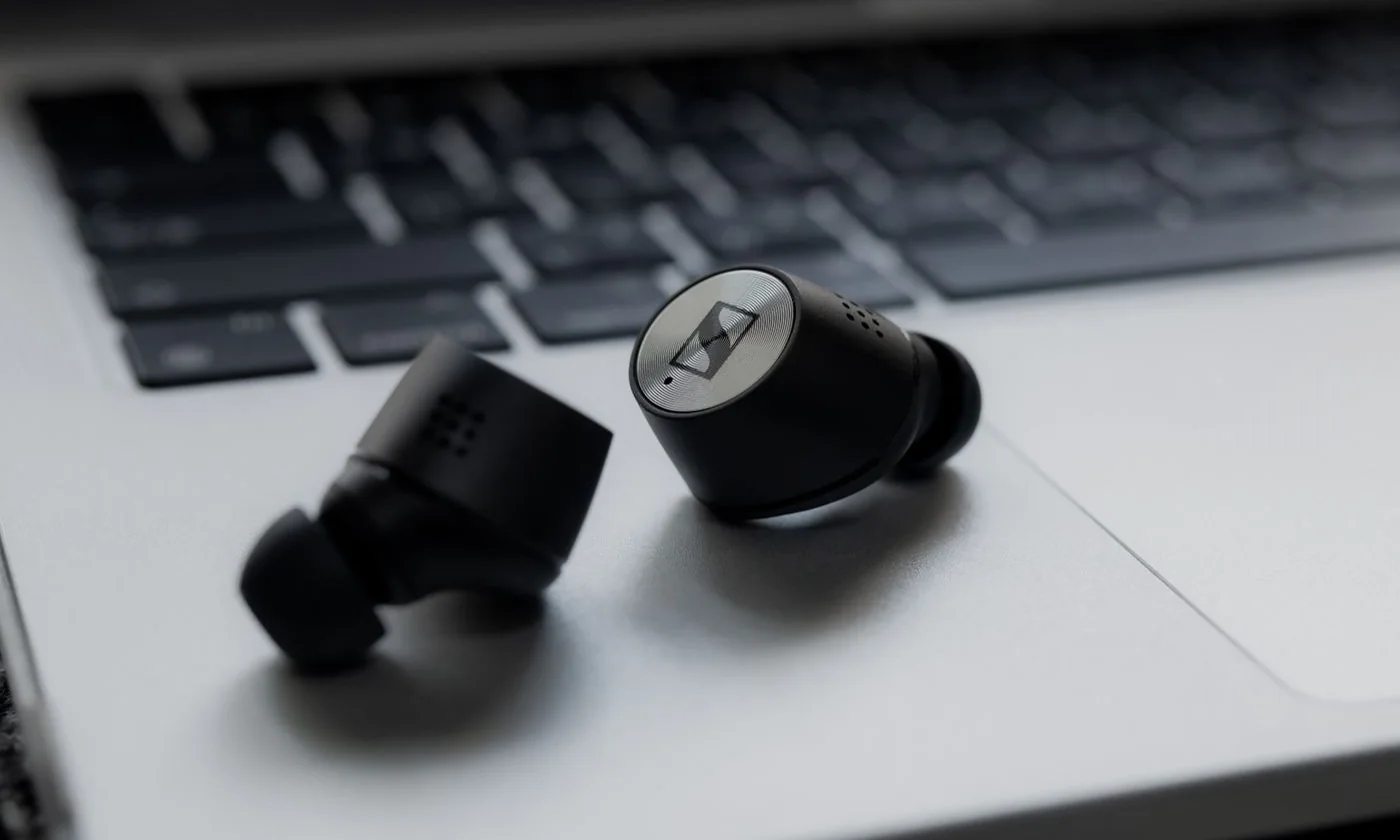 Wireless Earbuds for the Daily Commute